Cloud Computing Explained: Benefits for Individuals and Small Businesses
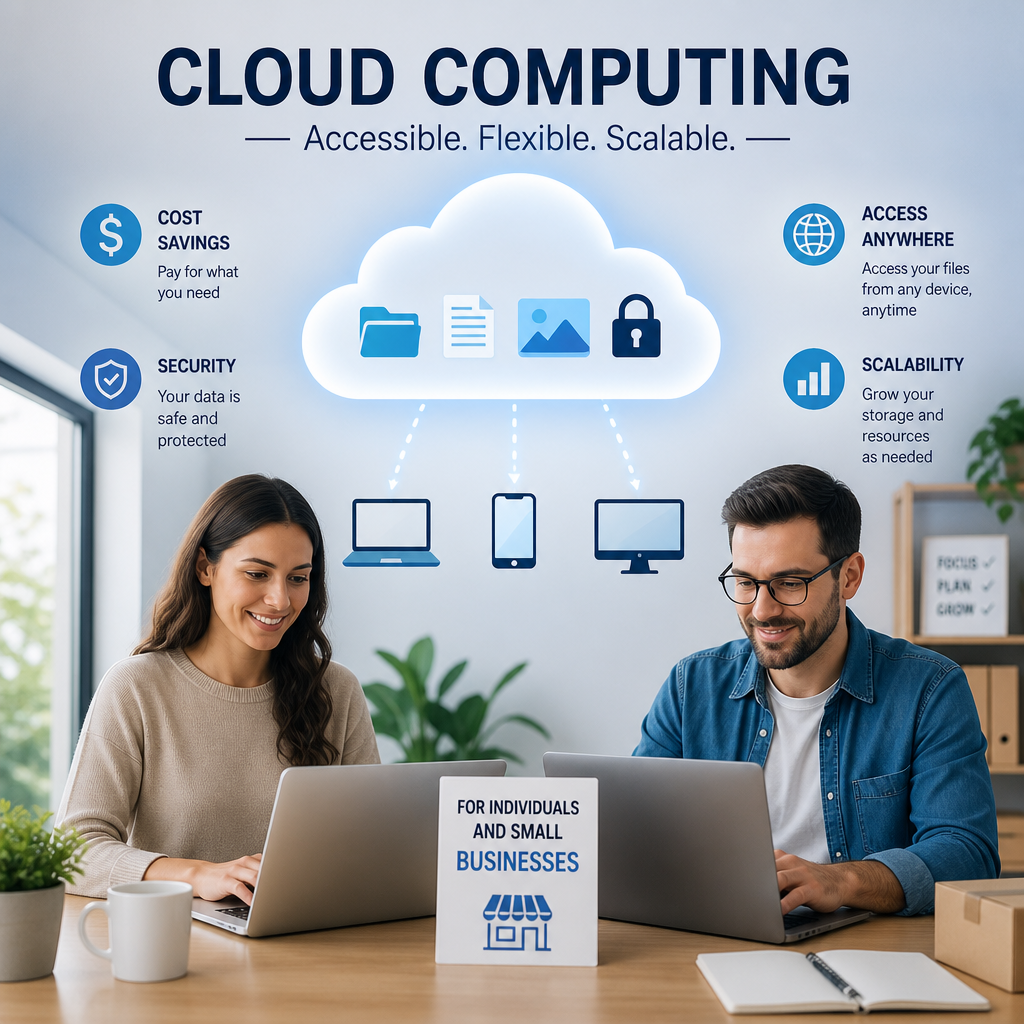
Cloud computing makes it easy to store, share, and manage data without relying on one device or expensive on-site systems. For individuals and small businesses, it offers a flexible, affordable way to access powerful tools from almost anywhere.
By: Peter on July 30, 2026
Cloud computing has become part of everyday life, even if many people do not realize it. When you stream a movie, back up photos from your phone, collaborate on a document in real time, or use online accounting software, you are likely using cloud computing. For individuals and small business owners, it offers a flexible, affordable way to store data, run applications, and access tools from almost anywhere.
In simple terms, cloud computing means using internet-based services instead of relying entirely on software or storage installed on one device. That shift has changed how people work, create, and manage their digital lives. For small businesses in particular, cloud computing can level the playing field by making professional-grade technology more accessible and easier to scale.
What Is Cloud Computing?
Cloud computing is the delivery of computing services over the internet. Those services can include:
Data storage
Software applications
Servers and processing power
Databases
Security and backup tools
Collaboration platforms
Instead of buying and maintaining every tool yourself, you access them through a provider. That provider handles much of the infrastructure behind the scenes.
Common Cloud Service Models
To understand cloud computing better, it helps to know the main service models:
Software as a Service (SaaS)
This is the most familiar model for many users. SaaS delivers ready-to-use software through a web browser or app. Examples include email platforms, file-sharing tools, project management software, and online accounting systems.
Platform as a Service (PaaS)
PaaS gives developers a platform to build, test, and deploy applications without managing the underlying hardware.
Infrastructure as a Service (IaaS)
IaaS provides virtualized computing resources such as servers and storage. Businesses can rent what they need instead of buying physical equipment.
For most individuals and small businesses, SaaS is the most practical entry point into cloud computing. It is easy to use, low maintenance, and often priced on a subscription basis.
Why Cloud Computing Matters for Individuals and Small Businesses
Cloud computing is not just a technology trend. It solves real problems that people face every day: limited storage, outdated devices, expensive software, and the need to work from multiple locations.
For individuals, it can simplify digital life by making files available across devices and protecting important data through backup. For small businesses, it can reduce startup costs, improve teamwork, and provide access to tools that once were only affordable for larger companies.
Benefits of Cloud Computing for Individuals
1. Easy Access to Files Anywhere
One of the biggest benefits of cloud computing is access from anywhere with an internet connection. Your photos, documents, and notes are no longer trapped on a single laptop or phone.
That means you can:
Edit a file at home and open it later at work
Access travel documents from your phone
Share photos with family without sending large attachments
Continue a project from another device if your computer fails
This flexibility is especially useful for students, remote workers, and frequent travelers.
2. Better Backup and Data Protection
Local devices can be lost, stolen, damaged, or infected with malware. Cloud backup adds a layer of protection by storing copies of important files online.
A practical example: if a laptop crashes, a cloud-synced resume, tax document, or family photo album may still be available. That can save time, stress, and money.
Cloud backups are not a replacement for security habits, but they are a smart part of a personal data protection plan.
3. More Storage Without Buying New Hardware
Phones and laptops eventually run out of space. Cloud storage can help you avoid constant upgrades just to keep your files.
Instead of purchasing an external drive or a larger device, you can move files to the cloud and free up space. This is particularly helpful for:
Large media libraries
School assignments and research files
Video and photo projects
Archived documents you do not need every day
4. Simple Collaboration
Cloud-based tools make it easier to work with others. You can share a document, leave comments, and edit together in real time. That is helpful for:
Group projects
Family planning
Shared household budgets
Volunteer work or community activities
Instead of emailing multiple versions of the same file back and forth, everyone can work from one current version.
Benefits of Cloud Computing for Small Businesses
Small businesses often need to do more with less. Cloud computing helps by reducing upfront costs and streamlining day-to-day operations.
1. Lower Upfront Costs
Traditional IT systems often require large investments in servers, licensed software, and maintenance. Cloud computing shifts many of those costs into monthly or annual subscription fees.
That can be a major advantage for startups and small teams. Rather than spending heavily before revenue starts coming in, a business can begin with only the services it needs.
Examples include:
Cloud-based email and productivity tools
Online accounting software
Customer relationship management platforms
Virtual phone systems
File sharing and team collaboration tools
2. Scalability as the Business Grows
Small businesses do not stay the same size for long. Some grow gradually, while others see seasonal demand spikes. Cloud computing allows businesses to scale up or down without major hardware changes.
For example:
An online retailer can add more storage during holiday seasons
A consulting firm can add user accounts as it hires new staff
A service business can pay for only the tools it actually uses
This flexibility helps businesses respond quickly to growth or changing needs.
3. Better Team Collaboration
Cloud computing supports modern teamwork, especially when employees work from different locations. With shared access to documents, calendars, task boards, and communication tools, teams can stay aligned without being in the same office.
This is useful for:
Remote and hybrid work
Field teams
Freelancers and contractors
Multi-location businesses
A small marketing agency, for example, can store brand assets in the cloud, assign tasks in a project management app, and review campaign drafts in a shared workspace.
4. Improved Business Continuity
Unexpected events can interrupt operations. Power outages, hardware failure, natural disasters, or cyber incidents can all create problems. Cloud computing can improve business continuity by keeping data and applications accessible from other devices and locations.
If an office laptop is damaged, employees may still be able to log in from another machine and continue working. That can reduce downtime and protect customer service.
5. Access to Professional Tools
Cloud computing gives small businesses access to powerful tools without requiring a full IT department. Many providers offer advanced features such as:
Automated backups
Data analytics dashboards
AI-powered assistants
Workflow automation
Integrated payment processing
Security monitoring
These tools can help a small business operate more efficiently and make better decisions.
Practical Examples of Cloud Computing in Daily Life and Business
Understanding cloud computing becomes easier when you see it in action.
For Individuals
Using Google Drive, iCloud, or OneDrive to store files
Streaming music and video through subscription platforms
Backing up smartphone photos automatically
Using cloud-based email and calendars
Editing documents online with shared access
For Small Businesses
Sending invoices through cloud accounting software
Managing customer leads in a CRM system
Holding video meetings with distributed teams
Storing contracts and records securely online
Running a website through cloud hosting
These examples show that cloud computing is not abstract. It is already woven into how many people live and work.
Things to Consider Before Moving to the Cloud
Cloud computing offers clear advantages, but it is still important to choose carefully. Not every service fits every need.
Security and Privacy
Before storing sensitive information in the cloud, review the provider’s security features. Look for:
Multi-factor authentication
Encryption
Access controls
Backup and recovery options
Clear privacy policies
Individuals should be especially careful with personal documents, financial records, and shared folders. Small businesses should also consider compliance requirements relevant to their industry.
Internet Dependence
Cloud services depend on internet access. If your connection is slow or unreliable, your experience may suffer. This is worth considering if you live in an area with spotty service or run a business that needs constant access.
Subscription Costs
Cloud tools can be affordable, but recurring fees add up. A service that looks inexpensive at first may become costly if you subscribe to multiple apps over time. It helps to review what you actually use and remove unnecessary tools.
Vendor Lock-In
Some providers make it difficult to transfer data or switch platforms. Before committing, check how easy it is to export files and migrate services if your needs change.
How to Choose the Right Cloud Tools
Whether you are an individual user or a small business owner, the best cloud tools are the ones that solve a real problem without adding unnecessary complexity.
For Individuals, Look for:
Easy setup and intuitive design
Reliable backup and sync features
Good mobile access
Strong privacy settings
Enough free or affordable storage
For Small Businesses, Look for:
Scalability
User permissions and access controls
Integration with other tools
Customer support
Backup and disaster recovery options
Security features that match your risk level
A good approach is to start small. Try one cloud service for file storage, one for communication, and one for business operations. Then expand only if the tools prove useful.
Cloud Computing and the Future of Work
The rise of cloud computing has changed expectations around where and how work gets done. Employees increasingly need access to information from home, office, or on the road. Customers expect faster service and better digital experiences. Cloud-based systems help make that possible.
For individuals, that may mean more freedom to work, study, and create from different locations. For small businesses, it can mean leaner operations, better teamwork, and faster adaptation to change.
As cloud services continue to improve, they will likely become even more central to both personal productivity and business growth.
Frequently Asked Questions
1. What is cloud computing in simple terms?
Cloud computing is the use of internet-based services to store data, run software, and access computing resources instead of relying only on your own device or local servers.
2. Is cloud computing safe for personal files?
It can be safe if you use trusted providers and follow good security practices like strong passwords, multi-factor authentication, and careful sharing settings. No system is perfect, so it is smart to protect sensitive files and review privacy policies.
3. How does cloud computing help small businesses save money?
It can reduce the need for expensive hardware, software installations, and in-house IT maintenance. Many cloud tools use subscription pricing, which makes it easier to start small and pay only for what you use.
4. What happens if my internet goes down?
If your internet connection fails, you may temporarily lose access to cloud-based tools and files. Some apps offer offline access or limited local syncing, but reliable internet is still important for smooth use.
5. What are the most common cloud tools for small businesses?
Common cloud tools include email and productivity suites, file storage services, accounting software, customer relationship management systems, project management apps, and cloud-based communication platforms.
Cloud computing has become one of the most practical technologies for both everyday users and growing businesses. For individuals, it offers convenience, better backup, and the freedom to access files and apps from nearly anywhere. For small businesses, it can lower startup costs, improve collaboration, support remote work, and make it easier to scale as needs change.
The key is to use cloud tools intentionally. Focus on services that solve real problems, protect your data with strong security settings, and keep an eye on recurring costs. When chosen wisely, cloud computing can simplify daily tasks and create more room for productivity, flexibility, and growth.
If you have not explored cloud computing yet, now is a good time to start with one useful service—such as cloud storage, online backup, or a shared workspace—and build from there. Small steps can make a big difference over time.
Peter B holds a degree in Journalism and has 5 years of experience covering U.S. economic policy, labor markets, and financial news. He writes data-driven news content on topics like inflation, interest rates, and employment trends.