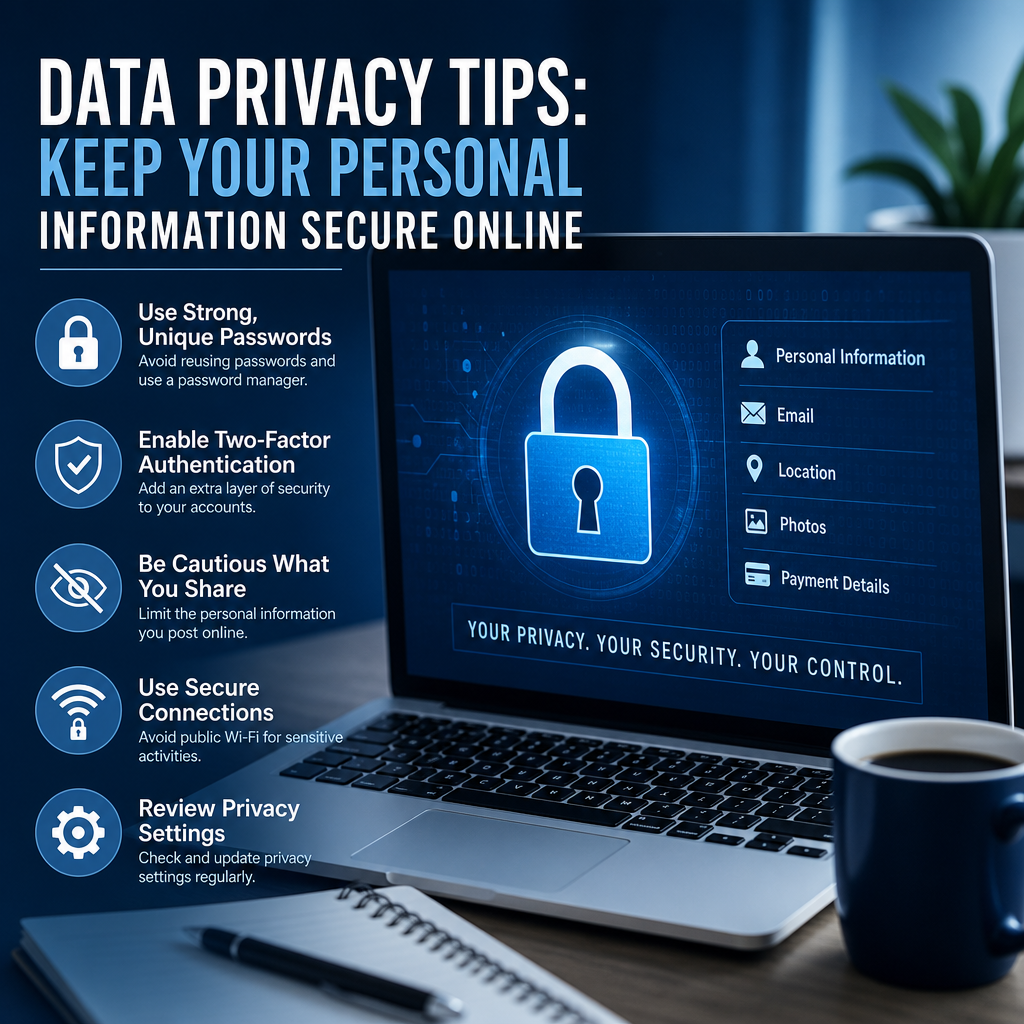
Data Privacy Tips: Keep Your Personal Information Secure Online
Protecting your personal information online does not have to be complicated. These data privacy tips will help you build simple habits that strengthen your security, reduce tracking, and lower the risk of identity theft.
By: Peter on July 30, 2026
Data privacy tips matter more than ever in a world where we shop, bank, work, and connect online every day. Personal information moves across apps, websites, cloud services, and devices constantly, which means small mistakes can lead to big problems. The good news is that you do not need to be a cybersecurity expert to protect yourself. With a few smart habits, you can reduce your risk and keep your digital life much more secure.
This guide breaks down practical, easy-to-follow data privacy tips that anyone can use. Whether you want to protect your social media accounts, secure your phone, or avoid identity theft, these steps will help you make better choices online.
Why Data Privacy Matters
Personal data has value. Your email address, phone number, location history, browsing habits, and financial details can all be used by companies, advertisers, or cybercriminals. In the wrong hands, that information can lead to phishing attacks, account takeovers, fraud, or identity theft.
Protecting your privacy is not just about hiding information. It is about controlling what you share, who can access it, and how it is used. Strong privacy habits also help you limit unwanted tracking and reduce the chances of becoming a target.
Data Privacy Tips You Can Start Using Today
Use Strong, Unique Passwords for Every Account
Reusing passwords is one of the most common security mistakes people make. If one site gets breached, attackers often try the same login on other accounts.
Follow these basic password rules:
Use a different password for every important account
Make passwords long and unpredictable
Avoid names, birthdays, and common words
Consider using a password manager to store credentials securely
A password manager can create and remember strong passwords for you, which makes it much easier to stay organized without relying on weak or repeated logins.
Turn On Multi-Factor Authentication
Multi-factor authentication, often called MFA or two-factor authentication, adds an extra layer of security. Even if someone steals your password, they still need a second verification step such as a code, app approval, or security key.
Use MFA on:
Email accounts
Banking and credit card apps
Social media
Cloud storage
Shopping accounts with saved payment methods
An authenticator app is usually more secure than text message codes, but both are better than no second factor at all.
Review Privacy Settings on Every Platform
Many websites and apps default to sharing more information than you may realize. Privacy settings let you control who sees your content, how your data is used, and whether your activity is tracked.
Check settings for:
Social media visibility
Ad personalization
Location sharing
Tagging and mentions
Search engine indexing
App permissions
For example, you might want your social posts visible only to friends, or you may want to turn off location access for apps that do not need it. A few minutes spent adjusting these settings can significantly improve your privacy.
Be Careful What You Share Online
Oversharing can make it easier for strangers, scammers, or identity thieves to piece together information about you. Even harmless details can become useful when combined.
Think twice before posting:
Full birthdates
Home addresses
Travel plans
Pet names
School or work schedules
Photos of ID cards, tickets, or boarding passes
A useful rule is to share only what is necessary. If a post, form, or app request does not need certain details, do not provide them.
Watch Out for Phishing Attempts
Phishing is one of the most common ways attackers steal personal information. These scams often look like messages from trusted companies, banks, delivery services, or coworkers.
Common signs of phishing include:
Urgent language
Strange links or attachments
Requests for passwords or payment
Misspelled company names
Messages that pressure you to act immediately
Before clicking anything, verify the sender and inspect the link carefully. When in doubt, go directly to the company’s official website or app instead of using the message.
Keep Your Devices Updated
Software updates often include security fixes that close vulnerabilities. Delaying updates gives attackers more time to exploit known weaknesses.
Keep these updated:
Phone and tablet operating systems
Computer operating systems
Web browsers
Apps
Router firmware
If possible, turn on automatic updates. This simple habit protects you from many threats without requiring constant attention.
Secure Your Devices and Connections
Lock Your Screens and Use Device Security Features
Your privacy does not end with online accounts. If someone gets physical access to your phone or laptop, they may be able to see private messages, saved passwords, and sensitive documents.
Use security features such as:
Strong device passcodes
Face ID or fingerprint unlock
Automatic screen locking
Remote wipe options
Full-disk encryption
If you lose a device, these tools can help limit the damage.
Avoid Public Wi-Fi for Sensitive Tasks
Public Wi-Fi in airports, coffee shops, and hotels can be convenient, but it is not always safe for private activity. Shared networks may expose your traffic if they are poorly secured.
Avoid logging into sensitive accounts or making payments on public Wi-Fi when possible. If you must connect, consider:
Using a trusted virtual private network (VPN)
Confirming the network name with staff
Turning off automatic network joining
Saving banking and shopping for a private connection
A VPN can add privacy, but it is not a cure-all. It should be one part of a broader security strategy.
Back Up Your Data Regularly
Backups do more than protect against accidental deletion or device failure. They also help if ransomware or malware locks you out of your files.
Use a backup strategy that includes:
Cloud backup for convenience
External drive backup for added control
Automatic scheduling when possible
Copies of important documents, photos, and records
If a device is lost or compromised, a reliable backup can save time, money, and stress.
Manage App and Browser Tracking
Limit App Permissions
Many apps ask for access they do not truly need. A flashlight app should not need your contacts, microphone, or location. Reviewing permissions helps reduce unnecessary data collection.
Check permissions for:
Camera
Microphone
Contacts
Photos
Location
Bluetooth
If an app seems overly invasive, remove it or replace it with a more privacy-conscious alternative.
Clear Cookies and Control Tracking
Websites and advertisers use cookies and tracking tools to build profiles of your browsing behavior. Some tracking improves functionality, but too much can feel invasive.
You can reduce tracking by:
Adjusting browser privacy settings
Blocking third-party cookies
Clearing browsing history regularly
Using privacy-focused browsers or extensions
Reviewing ad preferences in major accounts
These steps will not make you invisible online, but they can limit how much data companies collect about your activity.
Protect Financial and Identity Information
Monitor Bank and Credit Card Activity
Financial accounts are high-value targets. Review statements and transaction history often so you can catch unauthorized activity quickly.
Look for:
Small test charges
Duplicate transactions
Purchases you do not recognize
New payees or transfers
Alerts about password changes or logins
Set up account alerts for logins, purchases, and transfers whenever your bank or card provider offers them.
Freeze Your Credit if Needed
If you are concerned about identity theft or know your information may have been exposed, a credit freeze can help prevent new accounts from being opened in your name. It is a free tool offered by the major credit bureaus in the United States.
A freeze does not affect your existing accounts, but it does make it harder for someone else to open new credit under your identity. If you plan to apply for a loan or new card, you can temporarily lift the freeze.
Shred or Secure Sensitive Paper Documents
Online privacy also depends on what happens offline. Bank statements, tax forms, medical papers, and insurance documents can contain enough information for fraud.
Keep paper records secure by:
Storing them in a locked cabinet
Shredding old statements and forms
Limiting printed copies
Using secure document storage for digital scans
Build Better Privacy Habits Over Time
Use a “Need to Know” Mindset
Before sharing personal data, ask whether the request is truly necessary. Many forms ask for optional fields or broad permissions that are not required for the service.
A simple checklist helps:
Do I need this service?
What information is required?
Is any of this optional?
Do I trust the source?
Can I share less and still complete the task?
This mindset helps you make faster, safer decisions.
Audit Your Digital Footprint Regularly
Your privacy needs change over time. Old accounts, unused apps, and forgotten services can still hold your data long after you stop using them.
Once or twice a year, review:
Old email accounts
Social media profiles
Unused shopping or subscription accounts
Saved payment methods
App permissions
Search results that show your personal details
Delete accounts you no longer use when possible, and remove personal information that is no longer needed.
Teach Family Members Good Privacy Habits
Privacy is easier to protect when everyone in the household understands the basics. Children, teens, and older adults may be especially vulnerable to scams or oversharing.
Focus on:
Strong passwords
Recognizing scams
Safe social media sharing
Verifying unexpected calls or texts
Using privacy settings correctly
A family conversation can prevent many common mistakes before they happen.
Frequently Asked Questions
1. What are the most important data privacy tips for beginners?
Start with the essentials: use strong unique passwords, turn on multi-factor authentication, keep your devices updated, and review privacy settings on major accounts. These four habits alone can greatly reduce your risk online.
2. How can I tell if a website is safe before entering personal information?
Look for a secure connection, but do not rely on the lock icon alone. Check the website address carefully, make sure the company name is spelled correctly, and avoid sites that pressure you to act quickly. When possible, go directly to the company’s official website instead of clicking links in messages.
3. Is a VPN enough to protect my privacy online?
No. A VPN can help protect your connection on public networks and reduce some tracking, but it does not stop phishing, weak passwords, app misuse, or data sharing on its own. It works best alongside good privacy and security habits.
4. What should I do if I think my personal information has been exposed?
Change the password on the affected account immediately, turn on multi-factor authentication, and review recent activity. If financial information was involved, contact your bank or card provider right away. You may also want to freeze your credit and monitor accounts for suspicious activity.
5. How often should I review my privacy settings?
A good rule is to review them whenever you create a new account, install a major update, or notice a platform has changed its policies. At minimum, audit your privacy settings a few times a year to make sure nothing has shifted without your knowledge.
Protecting your personal information online does not require perfect behavior or advanced technical knowledge. It starts with practical, repeatable habits: use strong passwords, enable multi-factor authentication, review privacy settings, stay alert for phishing, and keep your devices updated. From there, you can build stronger protection by limiting app permissions, using secure connections, monitoring financial accounts, and reducing what you share publicly.
The most effective data privacy tips are the ones you actually use. Small steps add up, especially when they become routine. If you take time now to tighten your settings and improve your habits, you can greatly reduce the chances of fraud, account compromise, and unnecessary data collection later.
Start with one or two changes today, then work through the rest over time. Your online privacy is worth protecting, and the sooner you take control of it, the safer your digital life will be.
Peter B holds a degree in Journalism and has 5 years of experience covering U.S. economic policy, labor markets, and financial news. He writes data-driven news content on topics like inflation, interest rates, and employment trends.