Technology Skills That Can Advance Your Career in the Digital Economy
The digital economy has changed how nearly every industry works. From healthcare and finance to retail and education, employers now expect professionals to use technology confidently, adapt quickly, and solve problems with digital tools. That makes technology skills one of the most valuable career assets you can build today.
You do not need to become a software engineer to benefit from the digital shift. In many careers, the right mix of technical know-how, communication, and adaptability can help you earn promotions, move into higher-value roles, and stay competitive in a changing job market. The strongest candidates often know how to use technology not just to complete tasks, but to improve results.
Why Technology Skills Matter in the Digital Economy
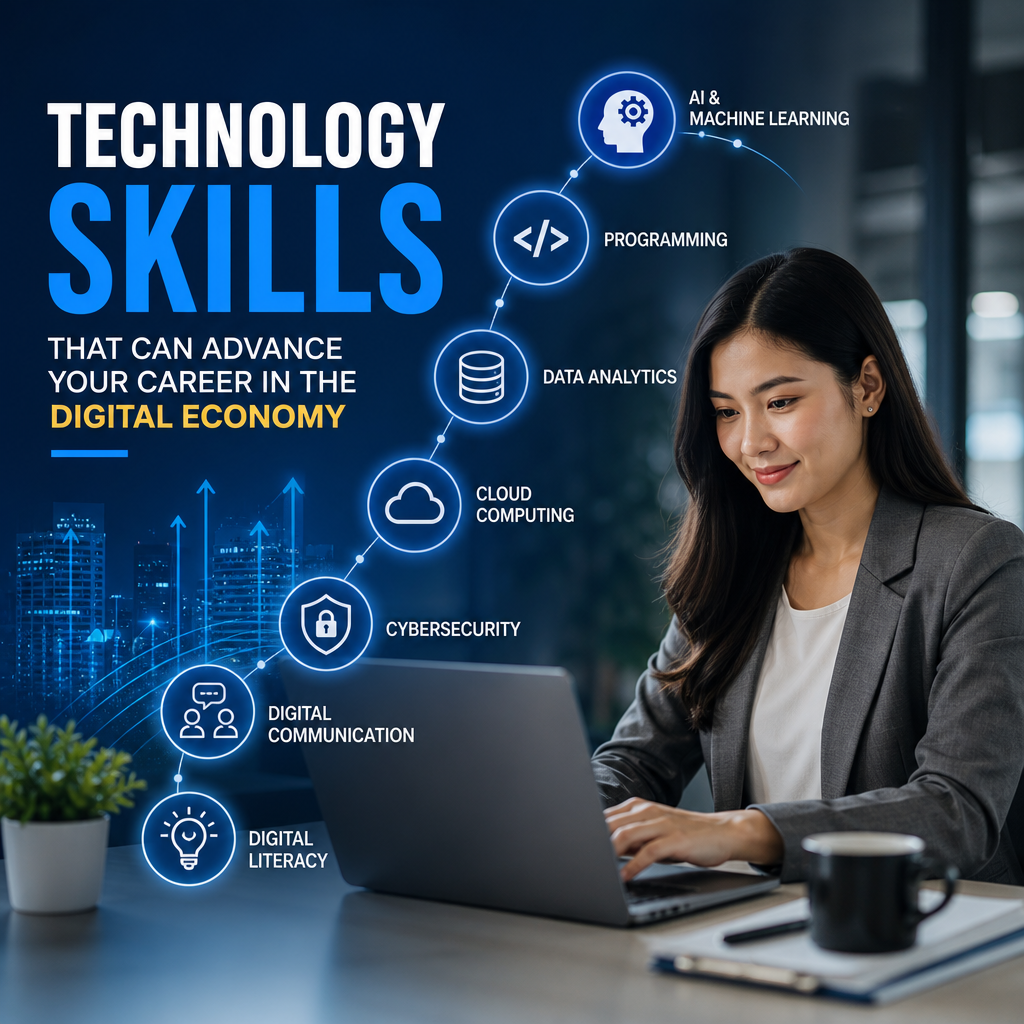
The digital economy rewards people who can work efficiently with data, software, cloud tools, and online systems. Businesses want employees who can save time, reduce errors, collaborate across locations, and make informed decisions using digital information.
Technology skills help in practical ways:
- They improve day-to-day productivity
- They make you more adaptable during workplace change
- They open doors to remote and hybrid roles
- They help you communicate better with technical teams
- They increase your value across industries
In other words, technology skills are no longer optional. They are career accelerators.
Essential Technology Skills That Can Help Advance Your Career
Not every role requires the same level of technical depth, but some skills are broadly useful across the digital economy. Building a strong foundation in these areas can make you more effective in your current job and more prepared for future opportunities.
Digital Literacy
Digital literacy means understanding how to use technology confidently and responsibly. It includes working with devices, applications, online platforms, and digital communication tools.
A digitally literate employee can:
- Navigate common workplace software
- Recognize credible online information
- Use email, chat, and video tools effectively
- Stay aware of basic digital safety practices
This skill matters because nearly every job depends on digital systems in some way. Even simple tasks like scheduling meetings, sharing files, and managing documents require a solid level of comfort with technology.
Data Analysis
Data analysis is the ability to interpret information and use it to make decisions. This does not always mean advanced math or complex coding. In many jobs, it means understanding spreadsheets, dashboards, charts, and performance reports.
Useful data analysis skills include:
- Sorting and organizing data
- Reading trends and patterns
- Creating clear reports
- Using Excel, Google Sheets, or business intelligence tools
- Asking the right questions about what the data means
For example, a marketing professional who can analyze campaign results may improve targeting. A manager who can review sales data may spot bottlenecks faster. A human resources professional who understands workforce metrics may help improve retention.
Cybersecurity Awareness
Cybersecurity awareness is one of the most important technology skills in today’s workplace. Employees do not need to be security experts, but they should know how to protect company and personal information.
Important habits include:
- Using strong passwords and password managers
- Recognizing phishing emails and scams
- Avoiding unsecured public networks for sensitive work
- Handling confidential files properly
- Following company policies for data protection
Cybersecurity mistakes can cause serious problems for organizations. A person who understands basic security practices helps reduce risk and shows professional maturity.
Cloud Computing
Cloud computing allows people to store, access, and share data and applications over the internet. Many businesses now rely on cloud-based platforms for collaboration, storage, operations, and customer service.
Learning cloud tools can help you:
- Work more effectively with distributed teams
- Access documents from multiple devices
- Collaborate in real time
- Understand modern business infrastructure
Popular cloud-based tools include file-sharing systems, project management software, and virtual collaboration platforms. Even if your role is not technical, knowing how cloud systems work can make you more efficient and more attractive to employers.
Project Management Tools
Project management is no longer limited to formal managers. Many employees now coordinate tasks, deadlines, and deliverables using digital systems. Knowing how to use project management tools can help you stay organized and visible in your work.
Examples of relevant tools and skills include:
- Task boards such as Trello, Asana, or Jira
- Gantt charts and timelines
- Status updates and milestone tracking
- Team collaboration features
- Deadline management
These skills matter because they show that you can plan, prioritize, and follow through. That reliability is often what moves someone from a good employee to a trusted leader.
Artificial Intelligence Literacy
Artificial intelligence is reshaping how people research, write, analyze, design, and automate work. You do not need to build AI systems to benefit from them, but you should understand how to use AI tools responsibly and effectively.
AI literacy includes:
- Knowing what AI tools can and cannot do
- Reviewing AI-generated content for accuracy
- Using AI to speed up routine tasks
- Protecting sensitive data when using AI platforms
- Understanding ethical concerns around bias and misuse
Professionals who learn how to use AI thoughtfully can gain an advantage. They can save time on repetitive work and focus more energy on strategy, creativity, and decision-making.
Coding and Scripting Basics
Basic coding knowledge can be helpful even in non-developer roles. Understanding the logic behind code can improve your problem-solving ability and help you communicate with technical teams more clearly.
You may benefit from learning:
- HTML and CSS for web-related work
- Python for automation or data tasks
- SQL for querying databases
- Basic scripting for workflow automation
For some careers, coding is essential. For others, it is simply a helpful bonus. Either way, learning the basics can improve your confidence in a digital workplace.
Digital Communication
Strong digital communication is one of the most underrated technology skills. In remote, hybrid, and cross-functional work environments, the ability to communicate clearly through digital channels can shape how others perceive your professionalism.
This includes:
- Writing concise and clear emails
- Using video conferencing effectively
- Managing chat-based communication
- Sharing information in organized ways
- Maintaining professional tone in digital settings
Good digital communication reduces confusion, improves teamwork, and helps you build trust. It also supports leadership, since effective leaders know how to communicate clearly across platforms.
UX and Customer Experience Awareness
User experience, or UX, focuses on how people interact with digital products and services. Even if you are not a designer, understanding UX can help you create better processes, content, and customer interactions.
This skill is especially useful in:
- Product roles
- Marketing
- Customer service
- Software support
- Operations
If you understand how users think and behave, you can make better decisions about websites, apps, forms, workflows, and service experiences.
How to Build Technology Skills in a Practical Way
You do not need to learn everything at once. The best approach is to focus on skills that match your current role, future goals, and industry needs.
Start with Your Job Requirements
Look at your current responsibilities and ask:
- What tasks take too long?
- What tools do I use every day?
- What skill would make me more efficient?
- What technology do employers in my field expect?
For example, a sales professional might focus on CRM systems and data reporting. A teacher might focus on learning management systems and digital content tools. A project coordinator might concentrate on workflow software and collaboration platforms.
Use Free and Low-Cost Learning Resources
There are many ways to build technology skills without spending a lot of money. Consider:
- Online courses
- Video tutorials
- Workplace training sessions
- Community college classes
- Vendor certifications
- Practice with free versions of tools
The key is to learn by doing. Reading about technology is useful, but hands-on practice builds real confidence.
Learn One Tool at a Time
Trying to master too many platforms at once can slow you down. Instead, pick one tool or skill and use it regularly until it becomes familiar.
A simple learning plan might look like this:
- Choose one technology skill aligned with your job
- Study the basics
- Practice with real tasks
- Apply the skill in your daily work
- Track the results
- Move to the next skill
This method helps you build momentum and see progress faster.
Ask for Opportunities at Work
Your workplace may offer more learning opportunities than you realize. Ask to join a digital project, assist with a software rollout, or help test a new workflow. Real-world practice often teaches more than theory.
You can also volunteer to:
- Improve a process
- Create a template
- Document a workflow
- Analyze a report
- Train a teammate on a tool you know well
These experiences strengthen your resume and show initiative.
Technology Skills That Support Career Growth in Any Industry
Some technology skills are especially valuable because they transfer well across roles and industries. If you are not sure where to begin, start with these.
Spreadsheet Mastery
Excel and Google Sheets remain essential in many professions. If you can organize data, use formulas, build charts, and create useful summaries, you already have a skill many employers value.
Presentation Software
Tools like PowerPoint, Google Slides, and Canva help you communicate ideas clearly. Strong presentation skills are useful in meetings, sales pitches, training sessions, and leadership roles.
Collaboration Platforms
Knowing how to use Microsoft Teams, Slack, Zoom, or similar platforms helps you contribute effectively in modern work environments.
Database and Reporting Tools
Even basic familiarity with dashboards and reporting systems can set you apart, especially in operations, administration, finance, and customer-facing roles.
Automation Mindset
Automation is less about one specific tool and more about thinking strategically. If a task is repetitive, ask whether software can handle part of it. That habit can save time and improve accuracy.
How Employers View Technology Skills
Employers often look for more than just technical ability. They want people who can learn quickly, communicate clearly, and use technology to solve business problems. That means your technology skills become more powerful when paired with soft skills such as critical thinking, teamwork, and adaptability.
Hiring managers often notice candidates who can:
- Learn a new system without constant support
- Explain technical ideas in simple language
- Use digital tools to improve workflows
- Show curiosity about new platforms and processes
- Adapt when software or procedures change
These qualities demonstrate that you can grow with the role, not just perform today’s tasks.
A Practical Example of Technology Skills in Action
Consider an administrative coordinator who learns spreadsheet functions, project management software, and digital communication best practices. At first, the person uses these tools to manage calendars and track deadlines more efficiently.
Over time, they start building reports, streamlining team updates, and improving workflow visibility. Their manager notices fewer missed deadlines and better organization across projects. That employee is now seen as someone who adds measurable value, which can lead to more responsibility and better career opportunities.
This same pattern applies in many fields. Small improvements in technology skills can produce bigger professional gains than people expect.
Frequently Asked Questions
What are the most important technology skills for career growth?
The most valuable technology skills include digital literacy, data analysis, cybersecurity awareness, cloud computing, project management tools, AI literacy, and digital communication. The best skill to prioritize depends on your industry and job goals, but these are useful in many roles.
Do I need to know how to code to advance my career?
Not always. Many careers benefit from basic technical skills without requiring full programming knowledge. However, learning coding fundamentals such as Python, SQL, or HTML can give you an advantage, especially in data, operations, marketing, and tech-adjacent roles.
How can I improve my technology skills if I am not very technical?
Start small. Choose one tool or skill that relates to your current job, then practice it consistently. Free online tutorials, workplace training, and hands-on use are often the fastest way to build confidence. Focus on progress, not perfection.
Are AI tools useful for non-technical professionals?
Yes. AI tools can help with writing, research, summarizing information, organizing work, and automating repetitive tasks. The key is to use them responsibly, verify the results, and avoid sharing sensitive data in unapproved systems.
Which technology skill should I learn first?
Start with the skill that will help you most in your current role. For many people, that means spreadsheet mastery, digital communication, or project management tools. If you work with data, cybersecurity, cloud platforms, or AI tools may be more relevant.
Official Resources
- U.S. Department of Labor – Occupational Outlook Handbook
- National Institute of Standards and Technology (NIST)
- Cybersecurity and Infrastructure Security Agency (CISA)
- National Center for Education Statistics
- Google Career Certificates
Conclusion
Technology skills are no longer limited to IT departments or software developers. They now influence hiring decisions, career advancement, and long-term job stability across almost every industry. Whether you focus on digital literacy, data analysis, cybersecurity awareness, cloud computing, AI literacy, or project management tools, each skill you build makes you more effective and more adaptable in the digital economy.
The best part is that you do not need to master everything at once. Start with the tools and capabilities that support your current role, then add new skills as your career grows. Small, consistent learning efforts can lead to stronger performance, greater confidence, and better opportunities over time.
If you want to advance your career, treat technology skills as a strategic investment. Learn the tools that matter, apply them in real situations, and keep building from there. In a digital world that keeps evolving, the people who continue learning are often the ones who move forward fastest.